Bots find every site eventually.
Automated scanners sweep the internet around the clock, looking for weak logins, outdated software, and admin pages left in the open. Yours is on the list whether anyone has heard of it or not.
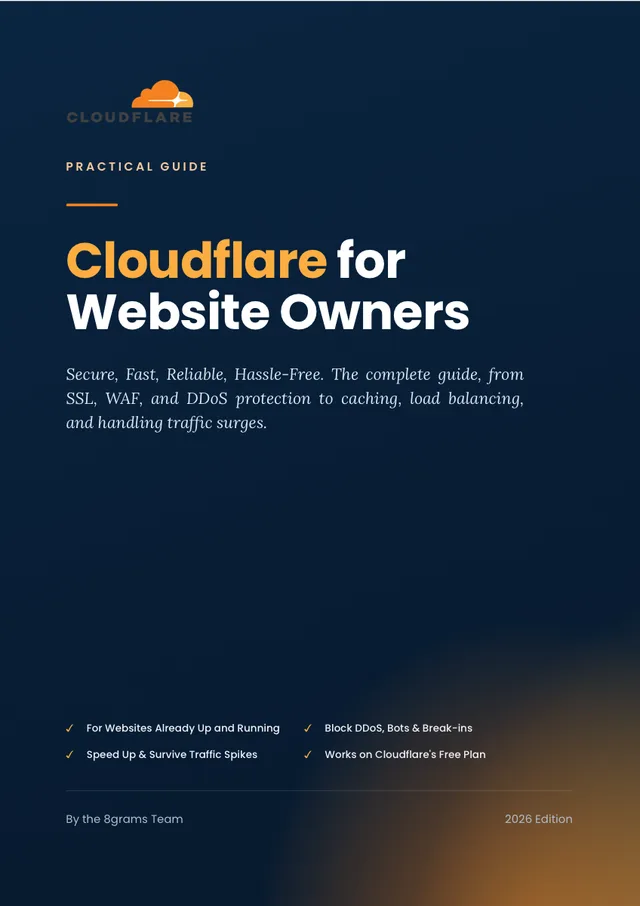
Secure and speed up a website that is already live. The book walks you through the Cloudflare dashboard screen by screen, from SSL, WAF, and DDoS protection to caching, load balancing, and what to do when traffic surges.
Nearly everything in the book works on Cloudflare's free plan. The handful of features that need a paid plan are flagged, so you can skip them or upgrade knowing why.
22
Chapters
Format
6
Parts
Automated scanners sweep the internet around the clock, looking for weak logins, outdated software, and admin pages left in the open. Yours is on the list whether anyone has heard of it or not.
A promotion goes out, a post takes off, or someone rents a cheap DDoS service, and suddenly your server is answering more requests than it can handle.
People give up on a page that takes too long to load, and Google treats speed as a ranking signal too.
WAF custom rules, Rate Limiting, and DDoS protection ship with every Cloudflare account, including free ones. Most sites never touch the defaults.
Part 1
Why attacks happen, what attackers are actually after, and how to put Cloudflare in front of your site properly from day one.
Part 2
SSL/TLS, DNS with DNSSEC, and origin protection, so nobody can route around Cloudflare and hit your server directly.
Part 3
This is where the WAF earns its keep: custom rules, Rate Limiting, DDoS protection, and Bot Management that stop abuse before it reaches you.
Part 4
Zero Trust Access in front of sensitive pages, Turnstile on your forms, security headers on every response. Quiet layers that close off whole classes of attack.
Part 5
Caching done well takes most of the load off your server. Load balancing and Waiting Room handle the days when traffic climbs faster than you expected.
Part 6
Monitoring that warns you before your users notice, a calm playbook for when an attack lands, and the full hardening checklist to finish.
No security background is assumed. Each feature is explained before you touch it: what it does, when it helps, and where it stops helping. If you can log in to Cloudflare and edit a DNS record, you have every prerequisite covered.
You run a store, a company site, or a small SaaS, and hiring a security team is nowhere in the budget.
Hardening a client's site is billable work. This gives you a routine you can repeat on every handover.
Somebody handed you a website. Security, uptime, and the next traffic spike are now your problem, and a clear checklist helps.
The full English edition as a PDF
22 chapters in 6 parts, arranged in the order you would actually configure things
Honest notes on what each feature will not do
An incident response guide for the day an attack actually lands
A WordPress case study, including the settings that tend to break the admin area
A hardening checklist plus a maintenance schedule to keep things that way
One-time price
US$20
English edition. PDF.
The file is ready to download straight away, and the link keeps working if you ever need it again.
Buy it, open your Cloudflare dashboard, and work through it chapter by chapter. The download link appears as soon as checkout is done.
Cloudflare is a service that sits between visitors and your web server. It filters malicious traffic (DDoS attacks, bots, break-in attempts), caches your content on servers around the world so pages load faster, and keeps a copy available when your server has problems. Millions of websites use it as their first layer of security and performance.
Yes. Most of the book is built around the free plan: SSL/TLS, DNS and DNSSEC, WAF custom rules, rate limiting, DDoS protection, Bot Fight Mode, caching, and security headers all come at no cost. The few features that sit behind a paid plan are clearly marked, so you can decide whether an upgrade makes sense for your site.
Yes. This page offers a free preview of the ebook as a PDF. Click the free preview button, fill in your name and email, and the download starts right away at no cost.
No. The guide is written for website owners at an intermediate level: you should have a running website and access to your domain's DNS settings. Every concept and every Cloudflare setting is explained before it is used, and configuration steps follow the actual dashboard menus.
The book is published in two PDF editions sold separately: English and Indonesian, both with the same 22 chapters. This page sells the English edition; the Indonesian edition has its own page at 8grams.tech/id/ebook/cloudflare.
Six parts: security foundations and onboarding, SSL/TLS/DNSSEC/origin protection, active defense (WAF, custom rules, rate limiting, DDoS, bots), advanced protection (Zero Trust Access, Turnstile, security headers), scalability and reliability (caching, CDN, load balancing, Waiting Room), and operations (monitoring, incident response, a WordPress case study, and a full hardening checklist).
Instantly. Payment is processed by Polar, and the PDF download link appears right after checkout, with a copy sent to your email. You can re-download the file later from the same link.
Checkout is handled by Polar, which accepts major credit and debit cards internationally. Polar acts as the merchant of record, so your receipt and any applicable tax handling come from Polar.
Yes. Part six includes a dedicated incident response guide: how to recognize an ongoing attack, when to enable Under Attack Mode, which Cloudflare analytics to read, and what to do after the attack ends. There is also a chapter on monitoring so you spot problems early.
Yes. Everything in the book applies to WordPress, and chapter 21 is a full case study on securing a WordPress site with Cloudflare end to end, including the settings that commonly break WordPress admin and how to avoid them.
No. This is an independent guide written by the 8grams team based on hands-on experience running client infrastructure behind Cloudflare. Cloudflare is a trademark of Cloudflare, Inc., and feature names are used for identification only.
Contact us at the email on your receipt within 14 days of purchase and explain what fell short. Refunds are processed through Polar back to your original payment method.